
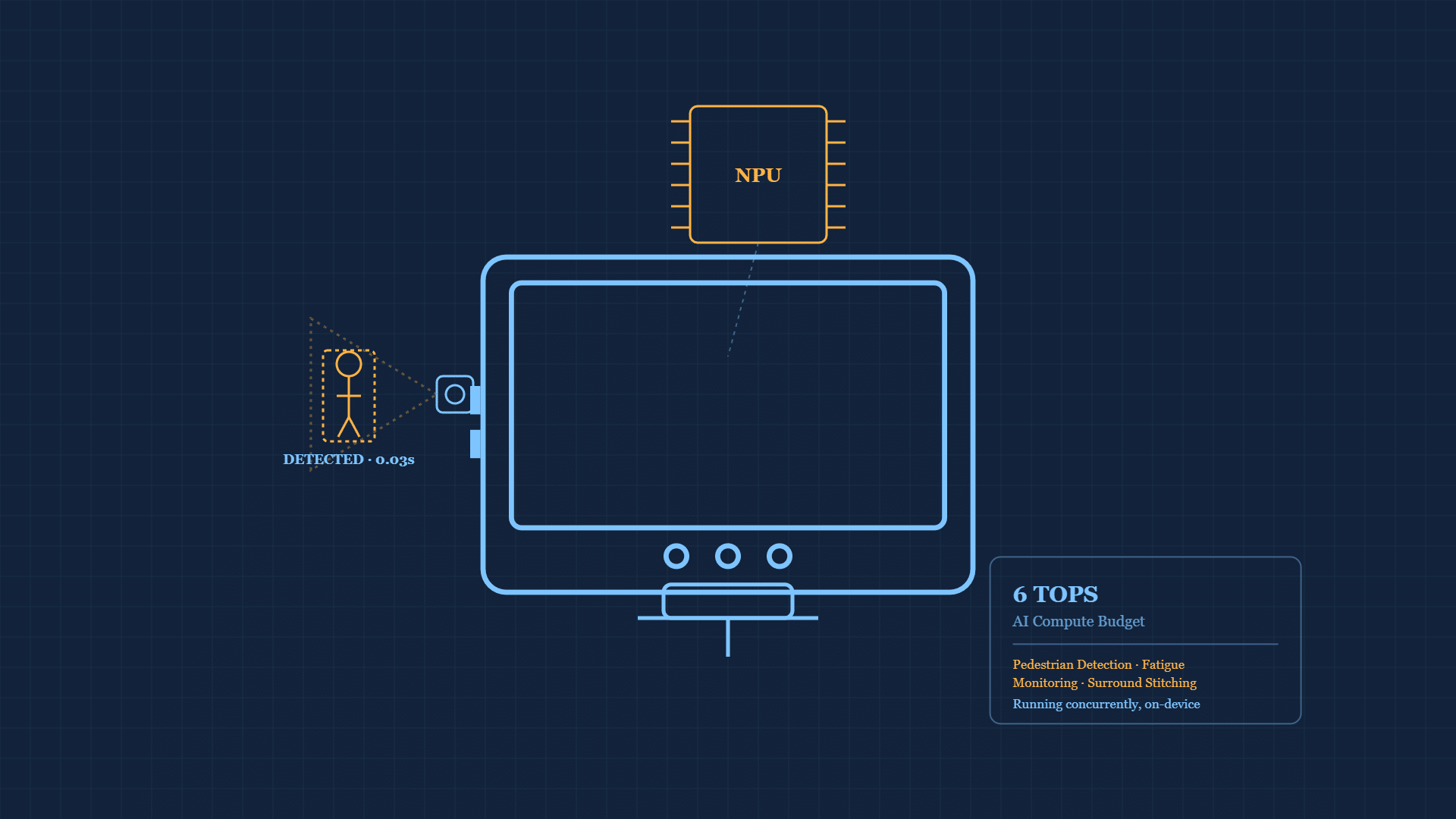
A 6 TOPS NPU is the on-device AI processor that lets a rugged tablet run driver monitoring and surround-view pedestrian detection fast enough to raise an alert before a hazard develops, not after. CF-Device runs both on-device rather than in the cloud, and the NPU’s computing power, measured in TOPS (Trillion Operations Per Second), is the spec that decides whether those features run in real time. This article explains what TOPS measures, why edge processing matters, and what to ask vendors.
TL;DR
- TOPS measures how many trillion AI operations a chip executes per second — directly determines detection latency
- CF-Device’s flagship VCM M10 carries a 6 TOPS NPU, specified for AVM, DMS and stitching running together
- On-device (edge) processing avoids cloud round-trip latency for safety-critical alerts
- Confirm TOPS is shared across ALL concurrent AI features, not tested on just one in isolation
What Does a 6 TOPS NPU Actually Measure?
TOPS quantifies how many trillion mathematical operations a chip can execute per second on AI workloads — specifically the matrix and vector math behind neural network inference. A higher-TOPS NPU processes each camera frame through the AI model faster, which translates directly into lower detection latency. CF-Device’s flagship VCM M10 carries a 6 TOPS NPU, specified for pedestrian detection, driver-facing fatigue monitoring and surround-view stitching running together.
Why Edge Processing (Not Cloud) Matters Here
Running AI inference locally on the tablet’s NPU — rather than sending camera frames to a cloud server for processing — removes network latency and connectivity dependency entirely. A forklift detecting a pedestrian in its path, or a driver monitoring system flagging a fatigue event, cannot wait on a round-trip to a remote server; the detection has to happen on-device, in milliseconds, regardless of whether the vehicle currently has a strong cellular signal. This same edge-vs-cloud distinction is what separates real-time decisions from historical analysis in precision agriculture artificial intelligence, where spray targeting and steering correction depend on the exact same on-device processing principle.
Where This Shows Up in Practice
This computing power is what runs the vision layer behind 360° AVM pedestrian detection and DMS driver behavior monitoring — both features depend on continuous, low-latency frame analysis rather than periodic snapshots. A tablet without adequate NPU headroom can still claim to support these features on a spec sheet, but will process frames slowly enough that alerts arrive after the moment they were meant to prevent.
How TOPS Budget Gets Divided Across Concurrent Features
A single TOPS number on a spec sheet describes total available headroom, not what’s left over once a fleet actually turns on every AI feature it wants running at once. Pedestrian detection across multiple camera inputs, continuous driver-facing fatigue analysis, and real-time surround-view stitching each draw from the same shared NPU budget — running all three concurrently divides that 6 TOPS ceiling across three simultaneous workloads rather than dedicating it fully to any one of them. This is why a tablet that performs well in a vendor demo running a single AI feature can behave differently once deployed with every feature active at once; the honest comparison point is total concurrent load, not a best-case single-feature benchmark.
What to Ask Vendors
Buyers evaluating rugged tablets for AI-dependent use cases should ask specifically for TOPS rating and confirm which features that computing budget is shared across — a tablet running AVM, DMS, and general fleet software simultaneously needs enough NPU headroom for all of them at once, not just enough for a single feature tested in isolation. Computing power differs by model: the VCM M10 carries a 6 TOPS NPU, while the VCM V12-2 and VCM V7-2 are specified at 1T computing with 0.8T NPU support, so confirm the figure for the model you are specifying.
Other Names for the Same Question
NPU TOPS is shorthand for NPU AI computing power. An edge AI vision tablet or a pedestrian detection tablet runs the model on the device itself, so the TOPS figure and the camera inputs set what it can do in real time.
Which Guide Should I Read Next?
This guide belongs to the Rugged Vehicle Tablet Complete Guide. Pick the next one by the question you still have open:
| If your question is… | Read |
|---|---|
| What is an NPU in plain terms? | What is an NPU? |
| What does the AI do on the farm? | Precision agriculture artificial intelligence on the tablet |
| How driver monitoring uses it | DMS driver monitoring |
| How surround view uses it | AVM 360° surround view |
| How all four systems share one terminal | One Tablet, Four Systems |
| Which hardware to specify | Rugged vehicle tablet buyer’s guide, 10-inch hardware hub |
Common Questions
Does higher TOPS always mean better AI performance?
TOPS is a useful baseline comparison, but actual performance also depends on how efficiently the software is optimized for that specific chip — a well-optimized 6 TOPS system can outperform a poorly optimized higher-rated chip on real-world tasks.
Can AI vision features run without an NPU at all?
Basic AI tasks can run on a general CPU, but real-time video-based detection (pedestrian detection, fatigue monitoring) becomes too slow without dedicated NPU acceleration, especially when running multiple AI features concurrently.
Does NPU computing affect battery life?
Dedicated NPUs are designed to be more power-efficient for AI workloads than running the same computation on a general CPU, but continuous AI vision processing still adds meaningful power draw — relevant for battery-powered rather than vehicle-powered tablet configurations.
Should I test AI features individually or all at once before buying?
All at once — testing a single feature in isolation doesn’t reveal how the shared NPU budget performs once every concurrent AI feature a deployment actually needs is running simultaneously.
Interested in specs or a quote? Contact our team to discuss AI-capable rugged tablet deployment.