
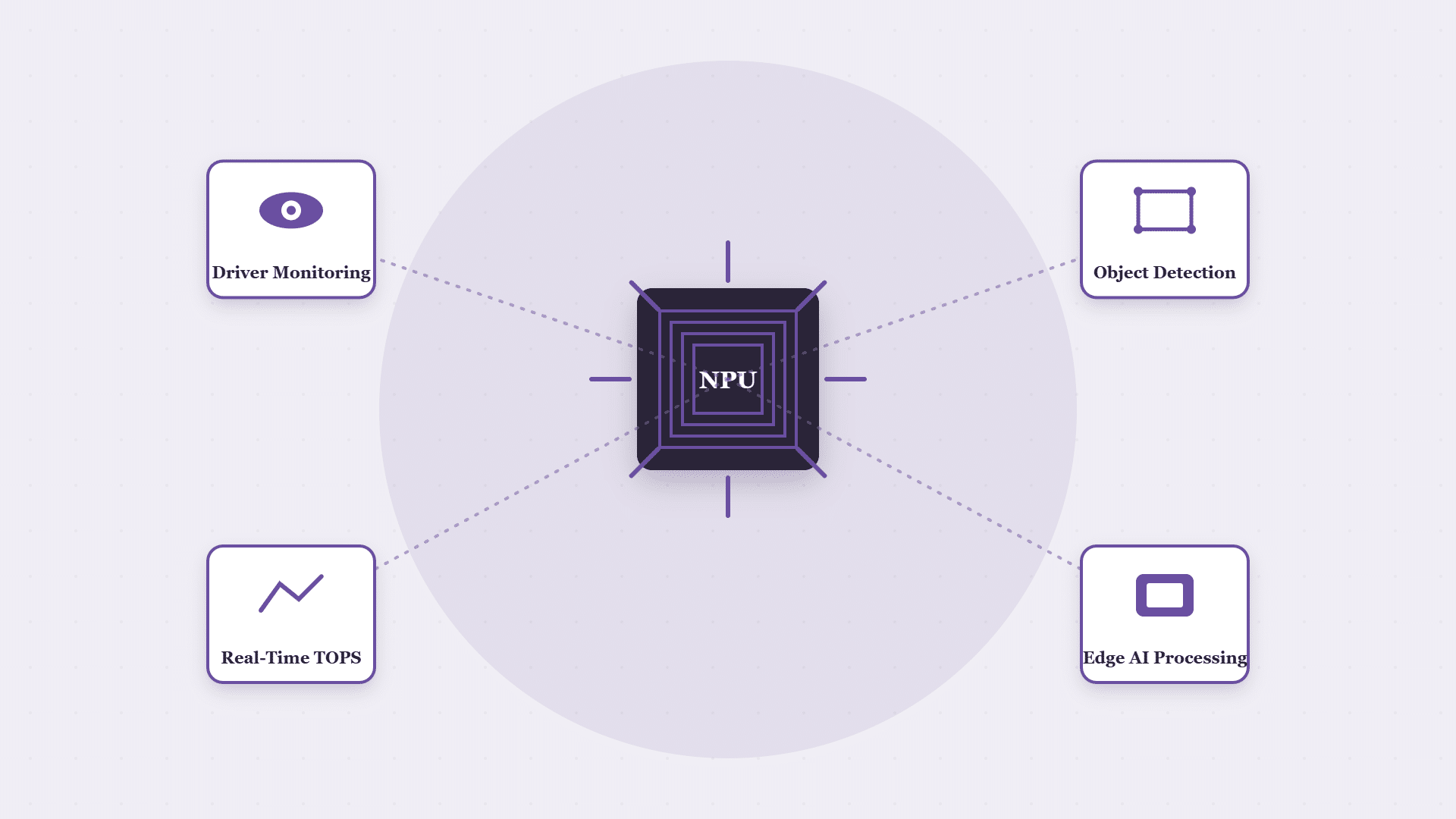
What is an NPU? An NPU (Neural Processing Unit) is a dedicated processor core built to run AI inference workloads, the kind of on-device intelligence that lets a rugged tablet analyse camera footage or sensor data locally without sending it to the cloud first. In CF-Device’s range the VCM M10 carries a 6 TOPS NPU, and several other VCM models carry a 0.8 TOPS NPU.
TL;DR
- An NPU is a dedicated chip core for AI inference, separate from the general-purpose CPU
- On-device NPU processing avoids the latency of sending data to the cloud for analysis
- Camera-based safety features such as driver monitoring and pedestrian detection depend on local inference to work in real time
- NPU computing power is measured in TOPS (trillion operations per second); higher TOPS supports heavier or more simultaneous AI workloads
- NPU capacity differs by model and is fixed in the hardware, so check it for the unit you plan to buy
What Does NPU Stand For?
NPU stands for neural processing unit. The NPU meaning in one line: a processor core designed only for the matrix maths behind neural-network AI, so a device can recognise a face, a lane or a pedestrian from a camera image on the spot. People also search for it as just “NPU” or “what is NPU”, and the answer is the same: an AI-specific core that sits beside the CPU and GPU in the chip.
What Is an NPU? Why AI Processing Needs Dedicated Hardware
A general-purpose CPU can run AI models, but inefficiently, because it is not architected for the parallel matrix operations AI inference requires. An NPU is built for exactly that workload, running the same AI task faster and with far less power draw than forcing it through a CPU. For anyone asking what is NPU processor hardware in one line: a dedicated AI core that does this work faster and at lower power than the CPU.
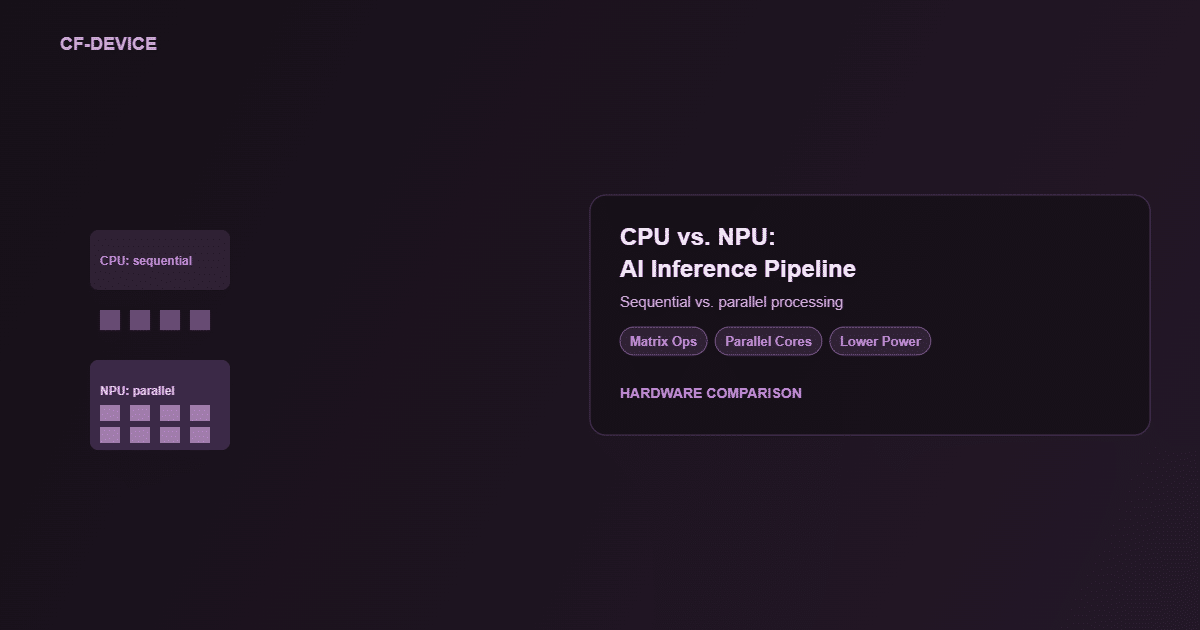
CPU vs. NPU for AI Vision Tasks
| General-Purpose CPU | Dedicated NPU | |
|---|---|---|
| Architecture fit for AI | Not optimised (sequential) | Purpose-built (parallel matrix operations) |
| Inference speed | Slower per frame | Faster per frame |
| Power draw for AI tasks | Higher | Lower |
| Suitable for real-time alerts | Marginal at best | Yes |
What Does an Automotive NPU Do in a Vehicle?
An automotive NPU does the same job as any other, but under vehicle conditions: it processes camera frames from the cab and around the machine fast enough for the result to matter. On CF-Device terminals that means functions such as DMS driver monitoring and the AI layer of AVM 360° surround view, both of which need local inference to deliver an alert in time. Sending footage to the cloud adds latency that defeats real-time alerting: by the time a fatigue result comes back from a server, the moment it needed to catch may have passed. Which functions a given terminal supports is set per model, for example DMS is listed on the VCM M10, so confirm it for any other unit.
How NPU Power Is Measured: TOPS
NPU capability is rated in TOPS, trillion operations per second, and a TOPS NPU figure is the headline number on a datasheet. It describes total headroom, not what is left once every feature is switched on at the same time, so running driver monitoring and surround-view analysis together needs more than either alone. How the TOPS budget is shared across concurrent features is covered in our 6 TOPS NPU explained.
NPU TOPS Across the CF-Device Range
The figure differs by model. The 10.1″ VCM range is the clearest example:
| Model | NPU |
|---|---|
| VCM M10 | 6 TOPS |
| VCM V10-2, VCM S10-2 PLUS, VCM S10-2 PRO | 0.8 TOPS |
| VCM S10-2, VCM V10 PRO | No NPU |
The VCM V12-2 and V7-2 list 1T total computing power with 0.8T of NPU support; for the other VCM models and TANK V2, ask CF-Device for the NPU figure before specifying. The practical reading: a unit with no NPU or a 0.8 TOPS NPU suits lighter or single-function workloads, while heavy concurrent AI vision is what the 6 TOPS tier is for. The 10-inch models are compared side by side in the 10-inch rugged tablet hardware hub.
Where This Shows Up in Real Deployments
The clearest case for on-device NPU processing is the low-connectivity environment covered in our mining terminals guide: a haul truck’s pedestrian-detection alert cannot wait for a round trip to a cloud server that may not even have a signal in an open pit. On-device inference is what makes AI-driven safety features usable in the places where connectivity cannot be assumed, not just a performance nicety for well-connected fleets.
When Cloud Processing Still Makes Sense
On-device NPU processing does not replace cloud infrastructure across the board. It handles the instant, per-frame decisions a vehicle needs in the moment. Fleet-wide trend analysis, such as comparing fatigue-alert frequency across routes and months, still belongs on cloud or office systems that aggregate data across many vehicles over time. The split is complementary: NPU for now, cloud for the bigger picture.
A Deployment Example
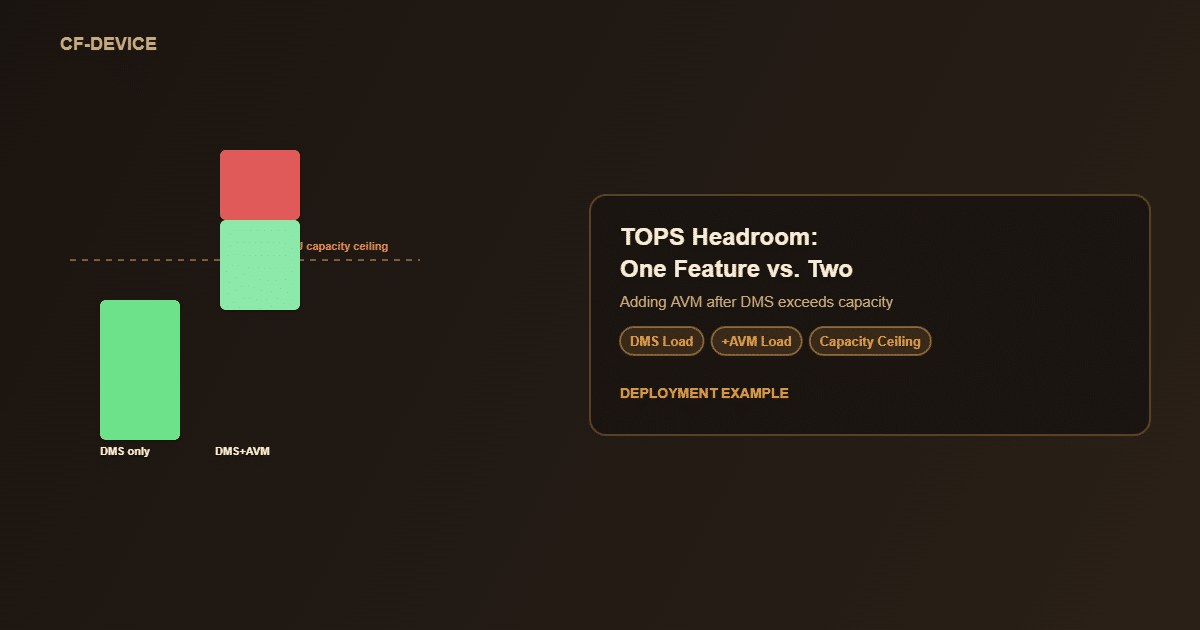
Consider a fleet operator that deploys terminals with a low-TOPS NPU running DMS alone, then adds AVM 360° to the same units expecting a simple software upgrade. The combined workload can exceed the chip’s processing headroom, so frame analysis lags and DMS alerts arrive late at peak camera load. The fix is not a software patch; it is terminals with enough TOPS headroom to run both functions concurrently, which is why NPU capacity has to be planned for the features you will add later, not just today’s. Where an existing platform genuinely cannot provide that headroom, a board-level change is the customisation tier involved, described in our industrial tablet OEM and ODM guide. This is an illustrative scenario rather than a customer case study.
The Practical Difference for Fleet Buyers
A terminal’s NPU rating is not a marketing spec to skim past. It is the practical ceiling on how many AI-driven safety and monitoring features a fleet can run at once on one device without degradation, which matters directly when evaluating terminals for DMS and AVM 360° together.
Which NPU Guide Should I Read Next?
Pick the next guide by the question you still have open:
| If your question is… | Read |
|---|---|
| How is the TOPS budget shared across features? | 6 TOPS NPU explained |
| Which model fits which AI workload? | 10-inch rugged tablet hardware hub |
| How does AI help in the field? | Precision agriculture artificial intelligence |
| How do AI, DMS, AVM and ISOBUS fit on one terminal? | One Tablet, Four Systems |
| What does driver monitoring detect? | DMS driver monitoring |
Common Questions
Does a higher TOPS rating always mean better real-world AI performance?
Generally yes for running more or heavier simultaneous AI workloads, but actual performance also depends on software optimisation, not TOPS alone.
Can a terminal run AI features without an NPU, using just the CPU?
Technically yes, but with meaningfully higher latency and power draw, which makes it unsuitable for real-time safety alerting.
Can NPU computing power be upgraded later, or is it fixed at purchase?
It is fixed to the hardware at purchase, which is why confirming NPU capability upfront matters for planned future feature additions.
How do I know how much TOPS headroom my fleet needs?
Plan for every AI feature you expect to run at the same time, not just what is active today. As the example above shows, adding a second AI feature later can exceed capacity that seemed sufficient for one.
Does the NPU keep working in areas with no cellular signal?
Yes. Inference runs locally on the device, so NPU-driven features such as pedestrian detection or driver monitoring keep working regardless of connectivity.
Interested in specs or a quote? Contact our team to discuss AI-computing terminal requirements.