

MDM for fleet tablets is what makes a rugged vehicle tablet manageable at scale. Deploying one tablet in one vehicle is simple; deploying five hundred across several cities is a software problem, not a hardware one. CF-Device builds its VCM terminals to be managed remotely through its own MDM platform, so Mobile Device Management compatibility matters as much as any figure on the data sheet. This article explains what MDM does for fleet tablets, what to check before you buy, and which guide to read next.
TL;DR
- Without MDM, every configuration change means physically touching each vehicle, which stops being practical as a fleet grows
- MDM-ready terminals expose configuration, app inventory and health to one central console
- The payoff is overnight fleet-wide updates instead of depot-by-depot manual rollouts
- Ask which management platforms a terminal supports and whether you could move to another later, so you are not locked in
- Fleet tablets also need ignition-aware power states and recovery from coverage gaps, which office MDM assumes away
What Problem Does MDM Solve for Fleet Tablets?
Without centralised management, every configuration change — a new Wi-Fi network, an updated dispatch app, a security patch — means touching each device. For a fleet of 300 vehicles that is 300 site visits or recalls for something as small as an APN setting, and IT ends up spending more time driving to vehicles than managing software.
How Does MDM Compatibility Work on a Vehicle Terminal?
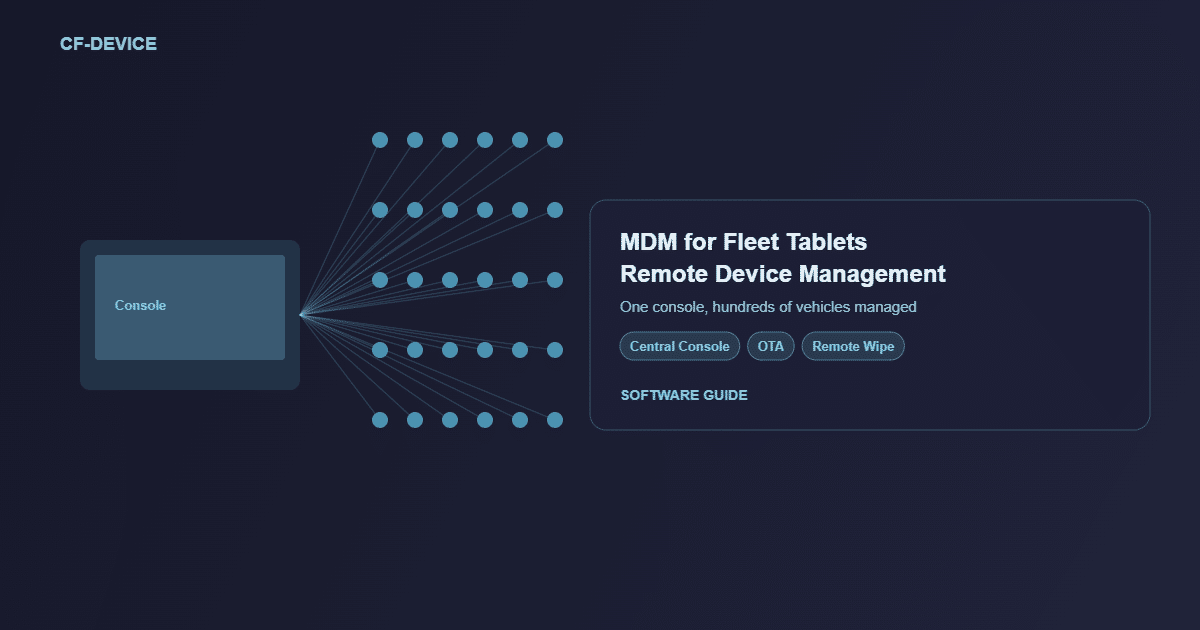
An MDM-ready terminal exposes its configuration, app inventory and system health to a central console over its 4G, 5G or Wi-Fi connection. From that dashboard an administrator can:
- Push configuration changes (network settings, kiosk-mode app restrictions, security policies) to some or all devices at once
- Deploy and update dispatch, tracking, DMS or ISOBUS companion apps over the air without touching a vehicle
- Monitor device health in real time, such as storage, GPS lock and signal strength, and flag problem units before they cause downtime
- Remotely lock, wipe or locate a lost or stolen unit, protecting the hardware and any data stored on it
Vehicle terminals add two requirements office MDM does not have: power states linked to the ignition, and recovery from cellular dead zones. Updates have to queue and resume rather than fail. The difference is laid out in the mobile device management hub.
Fleet Mobile Device Management: What the Term Covers
Buyers search for this under several names: fleet mobile device management, fleet tablet management, or tablet management for the vehicles they run. They all describe the same console job, applied to the terminals in the cab rather than to office phones. This page covers the fleet-tablet side: what the console does to a rugged vehicle terminal, and what to check on the terminal before you choose. The general definition is in what is mobile device management, and the full platform comparison sits in the mobile device management hub.
Manual Management vs. MDM at Scale
| Manual (no MDM) | MDM-managed | |
|---|---|---|
| 300-vehicle configuration change | 300 site visits | One console push |
| Update timeline | Days, depot by depot | Overnight, fleet-wide |
| Vehicles pulled from service | Yes, during the update | No |
| Lost or stolen device | Data at risk | Remote lock or wipe |
What Does MDM for Fleet Tablets Look Like in Practice?
Consider a regional parcel delivery company managing 450 vehicle-mount tablets across three depots. It used to schedule a full day twice a year to update dispatch software depot by depot, pulling vehicles from rotation and paying technician overtime. After moving to MDM-managed terminals, the same update rolls out overnight to all 450 devices without taking a vehicle out of service, and IT can confirm completion from a dashboard the next morning. This is an illustrative scenario rather than a customer case study. The connectivity side is in rugged terminals for logistics and transportation fleets.
What Should I Check Before Choosing a Terminal for MDM?
- Which management platforms does the terminal support, and can you move to another platform later without replacing the hardware?
- Does the platform handle ignition-linked power states, so a terminal that is off with the vehicle is not flagged as failed?
- Do interrupted updates resume or roll back safely when a vehicle leaves coverage?
- Can the platform lock terminals to approved apps? See kiosk mode and app whitelisting
- Can support staff diagnose a fault remotely? See remote diagnostics and truck rolls
- Does the hardware have the connectivity and power stability to sync reliably? See the rugged vehicle tablet buyer’s guide
Platform compatibility is confirmed per model; ask CF-Device for the supported models and operating-system versions before you specify. For third-party platforms, see rugged tablets compatible with fleet management platforms and MDM behind Samsara and Geotab.
Other Names for the Same Question
For trucking fleets, tablet management for trucking and MDM for truck fleets come down to the same console jobs as everywhere else: ELD apps kept current, ignition-aware power states, and updates that resume after a coverage gap.
A mobile device management vehicle terminal is a vehicle-mount unit enrolled in a management platform. Remote device configuration and fleet tablet management software are the console functions this page describes: pushing settings, apps and updates to every unit without a site visit.
Which MDM Guide Should I Read Next?
| If your question is… | Read |
|---|---|
| What does remote control and OTA involve? | Remote device management and OTA, OTA and fleet downtime |
| What hardware does an MDM platform manage? | MDM devices |
| How do I enrol and inventory a fleet? | MDM solution: enrolment and inventory |
| What is the difference from MAM? | MDM vs MAM |
| I am new to MDM | What is mobile device management |
| I am comparing platforms | MDM solutions for vehicle fleets, device management software |
This article belongs to the mobile device management hub. To see how MDM sits beside DMS, AVM and ISOBUS VT on one terminal, read One Tablet, Four Systems. For OTA updates specifically, see OTA firmware updates with remote device management, and for the whole range the Rugged Vehicle Tablet Complete Guide.
Common Questions
At what fleet size does MDM become necessary rather than nice to have?
Many operators find manual management becomes impractical somewhere between 20 and 50 vehicles, depending on how often configuration changes.
Does MDM work if a vehicle is out of cellular coverage?
Devices queue pending updates and apply them once connectivity returns; MDM does not need a constant live connection.
Is MDM only for large enterprises?
No. Even small fleets benefit from avoiding per-device visits for routine updates.
What is the risk of a proprietary, non-standard MDM system?
It ties the fleet to one vendor’s ecosystem, which makes it costly to switch terminal suppliers later without also replacing the management platform. Ask which platforms a terminal supports before you commit.
Interested in specs or a quote? Contact our team to discuss fleet-scale device management for your terminals.