
MDM remote device management is how CF-Device operates the terminals it builds. MDM (Mobile Device Management) is a remote platform that lets fleet operators monitor, configure, update and troubleshoot every rugged vehicle tablet in their fleet from a single central console, without physically visiting each vehicle. CF-Device’s MDM platform is one of four integrated systems offered with the VCM terminal range.
TL;DR
- MDM turns “send a technician to every vehicle” into “push one update from a laptop”
- Core capabilities: OTA updates, kiosk mode deployment, real-time monitoring, remote fault diagnosis
- Value scales with fleet size: the bigger the fleet, the more manual visits MDM eliminates
- CF-Device’s MDM platform is built alongside the VCM terminals rather than integrated as third-party software
- It works together with rugged hardware, not as a separate purchase decision
What Problem Does MDM Solve for a Vehicle Fleet?
A fleet of 50, 200 or 2,000 vehicle tablets scattered across job sites and routes creates a maintenance problem that does not scale with manual visits: a firmware bug affecting every unit, an app that needs updating, or a single misconfigured device sitting idle in the field until someone happens to notice.
In short: MDM turns “send a technician to every vehicle” into “push one update from a laptop.”
What Can MDM Remote Device Management Actually Do?
- OTA firmware and app updates — push firmware and application updates to the entire fleet, or a targeted subset, without pulling vehicles out of rotation.
- Kiosk mode deployment — lock a tablet to a single approved application, preventing drivers from side-loading apps or using the device outside its intended function, a common requirement for fleet compliance policies. The detail is in kiosk mode and app whitelisting.
- Real-time device monitoring — see device status, connectivity and location across the whole fleet on one dashboard, catching a dead unit or dropped connection before it becomes a missed delivery or a blind operational gap. The same GNSS positioning data doubles as the input for GPS tracking for fleet vehicles: one data stream, two dashboards.
- Remote fault diagnosis — engineers can inspect logs and diagnose a malfunctioning unit remotely, often resolving the issue without a truck roll at all. For how this reduces on-site visits fleet-wide, see Remote Diagnostics: Reducing Truck Rolls for Fleet Tablets.
MDM Remote Control: What It Means in a Fleet
Searches for MDM remote control usually mean the commands an administrator can send to a terminal from the console: restart it, lock it, push a configuration, pull a log. Whether a platform also offers live screen access to the device is a separate feature, so confirm it if you need it. For a vehicle fleet the more important question is the one below: what happens to those commands when the vehicle is out of coverage.
How Does an OTA Update Rollout Work?
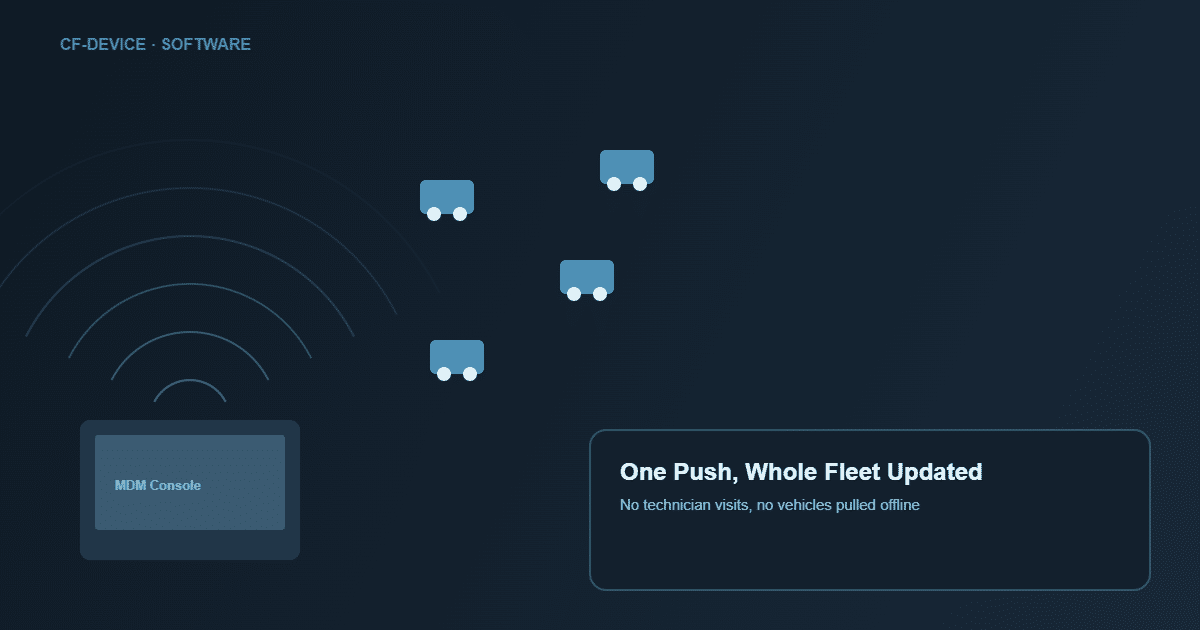
A staged OTA rollout, the way a careful fleet runs it, has four steps. Which of them a given platform supports should be confirmed before you rely on it:
| Step | What happens | Why it matters |
|---|---|---|
| 1. Staging | Update tested on a small device subset first | Catches issues before a fleet-wide push |
| 2. Scheduled push | Update sent during low-usage windows (overnight, between shifts) | Avoids interrupting active routes |
| 3. Rollback safeguard | A failed update reverts to the last known-good version, where the platform supports it | Prevents a bad update from stranding units mid-route |
| 4. Confirmation | Dashboard shows which units updated successfully | No guessing which vehicles still need attention |
The staging, rollback and scheduling side is covered in more depth in OTA firmware updates and fleet downtime. People also search this as remote update OTA; the same four steps apply.
Does MDM Require a Live Connection at All Times?
No. Devices queue pending commands locally and apply them at the next check-in, which is why offline-tolerant behaviour is a core requirement rather than an edge case for vehicle deployments. A vehicle crossing a 40-minute dead zone in a quarry pit or rural route should still receive its queued update once coverage returns; confirm the queueing and local-logging behaviour for the VCM model you choose.
What Does an MDM Deployment Look Like in Practice?
Consider a regional delivery fleet running 150 tablets that discovers a dispatch-app bug affecting route sync. Without MDM, IT would need to physically connect to 150 devices: days of work, vehicles pulled off routes one by one. With MDM, the fix is staged on 5 test units overnight, confirmed working, then pushed to all 150 remotely before the next shift starts. No vehicles taken out of service and no site visits, the same operational reliability covered in our logistics and transportation fleet terminal guide. This is an illustrative scenario rather than a customer case study.
How Many Vehicles Before MDM Is Worth It?
Around 10 to 20 units. Below that, manual per-device configuration is manageable; above it, the time cost of visiting each vehicle for every update or configuration change exceeds the platform’s overhead. The break-even point is lower than most buyers assume, and it turns on how geographically scattered the fleet is as much as how many units it has.
Why Does MDM Matter Beyond IT Convenience?
For a mixed fleet (different vehicle types, regions and implement brands) MDM is what makes hardware standardisation pay off. Rugged terminals, covered in our hardware buyer’s guide, reduce hardware failure; MDM reduces the operational cost of managing hundreds of them once they are deployed. The two are designed to work together, not as separate purchases. For a comparison of MDM deployment models (cloud, on-premise and OEM-bundled) see Mobile Device Management Solutions for Vehicle Fleets. Getting new units onto the platform in the first place, and keeping an accurate inventory once deployed, is covered in MDM Solution: What a Fleet Actually Needs. For the full picture of how MDM sits at the top of the fleet software stack, see our mobile device management solutions hub.
What Is the Difference Between MDM and a Fleet Management Platform?
CF-Device treats these as two separate layers, because buyers routinely expect one product to do both jobs and then find a gap. A fleet management platform manages the operation: routes, drivers, hours, fuel, dispatch. An MDM platform manages the hardware running that operation: firmware versions, app deployment, device health, security policy. This is also the line between fleet device management (the hardware side) and fleet management (the operation).
The practical test: when a terminal stops reporting, which console tells you why? A fleet platform shows the vehicle as offline; an MDM console shows whether the unit is powered off, out of coverage, or running a failed firmware version. Fleets running Samsara, Geotab or similar on CF-Device hardware use both layers together; that division of labour is set out in MDM for fleet platforms: managing the hardware behind Samsara and Geotab, and how the software and hardware fit together in an automated fleet in automated fleet management.
Which MDM Solution Is Best for Rugged Vehicle Tablets?
General-purpose MDM products built for office phones and laptops cover most of the feature list but miss the parts that matter in a vehicle. Three capabilities are the differentiators CF-Device sees fleets discover late; this is also what a fleet mobile device management shortlist should test:
- Ignition-aware device state — distinguishing a terminal that is off because the engine is off from one that has actually failed. Without it, a console shows dozens of false alarms every night
- Offline command queueing — updates that survive a 40-minute dead zone rather than timing out and needing a manual retry
- Firmware-level access, not just app-level — the ability to push a driver or kernel update, which usually needs the platform and the hardware to come from the same party
CF-Device builds its MDM console alongside the VCM terminals. How to evaluate platforms against these criteria is set out in our MDM management software platform guide, and day-to-day use of the console on deployed terminals in MDM for fleet tablets.
Is MDM the Same as MAM?
No, and the distinction decides how much control a fleet has over a deployed terminal. MDM manages the whole device: OS, firmware, security policy, the ability to lock or wipe it. MAM (Mobile Application Management) manages only the applications inside it, leaving the device itself outside the console’s control.
For a fleet-owned vehicle terminal that never leaves the cab, MDM is the correct model: the device is company property running a single fixed function, so there is no personal-use boundary to respect. MAM exists for the opposite case, a worker’s own phone running one company app. The two control models are compared in MDM vs MAM for fleet device management.
Where Should I Start Reading?
CF-Device has written this subject up at several depths, because the question arrives from three kinds of reader: someone who has never run an MDM console, someone comparing products, and someone already running one who needs a specific capability. Starting in the wrong place wastes time in both directions.
- Never used MDM before — start with what mobile device management is, in plain language, which assumes no prior IT background
- Comparing products — device management software: what to look for in a fleet platform sets out the evaluation criteria, and the buyer’s guide to MDM software for vehicle fleets applies them to a shortlist
- Already running MDM, need the update path specifically — OTA firmware updates and fleet downtime goes deeper into staging, rollback and scheduling than this page does
The one question none of them answers on its own: whether the MDM platform and the hardware vendor should be the same company. CF-Device’s position is that they should, because firmware-level access and ignition-aware device state both benefit from it, but a fleet already committed to a hardware brand may not have that choice, in which case the evaluation criteria above matter more than the vendor relationship.
Common Questions
Can MDM push a bad update to the entire fleet by accident?
Staged rollout (a small subset first) and rollback safeguards are standard practice specifically to prevent this. Confirm that your platform supports both.
What happens if a tablet is stolen?
MDM platforms typically support remote lock or wipe, turning a physical theft into a contained incident rather than a data exposure.
Is CF-Device’s MDM platform included with the terminals, or licensed separately?
This varies by configuration. Some deployments bundle MDM with the terminal and others license it per module, so confirm it during procurement.
Does MDM work on both Android and Linux units?
Remote management, diagnostics and monitoring apply to the VCM range, but the tooling can differ between the two operating systems. Confirm management support for the build you plan to deploy before you plan a mixed fleet.
Interested in specs or a quote? Contact our team to discuss MDM for your terminals.